
It did not Connect
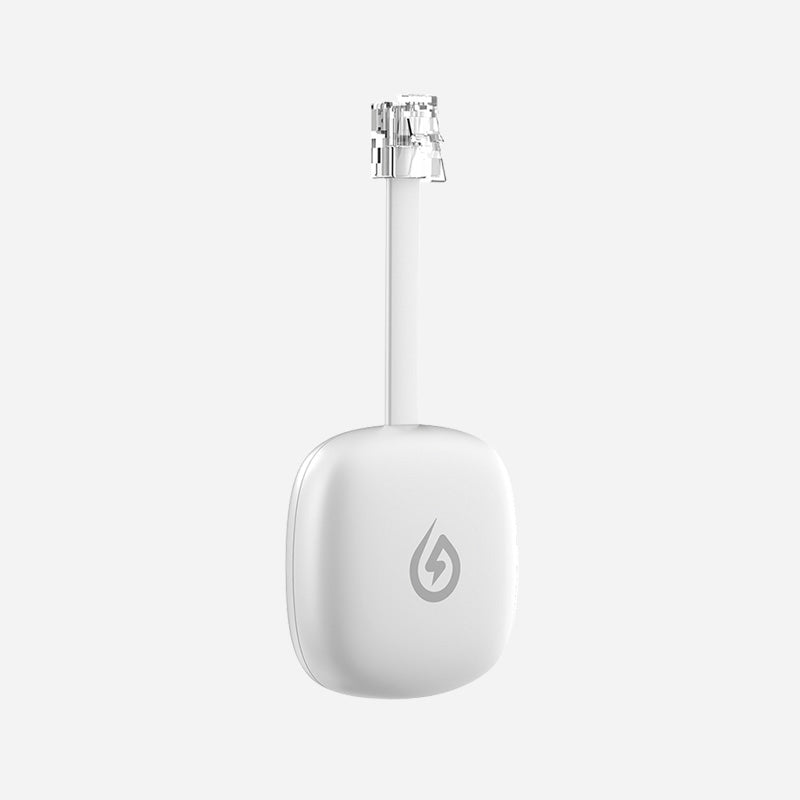
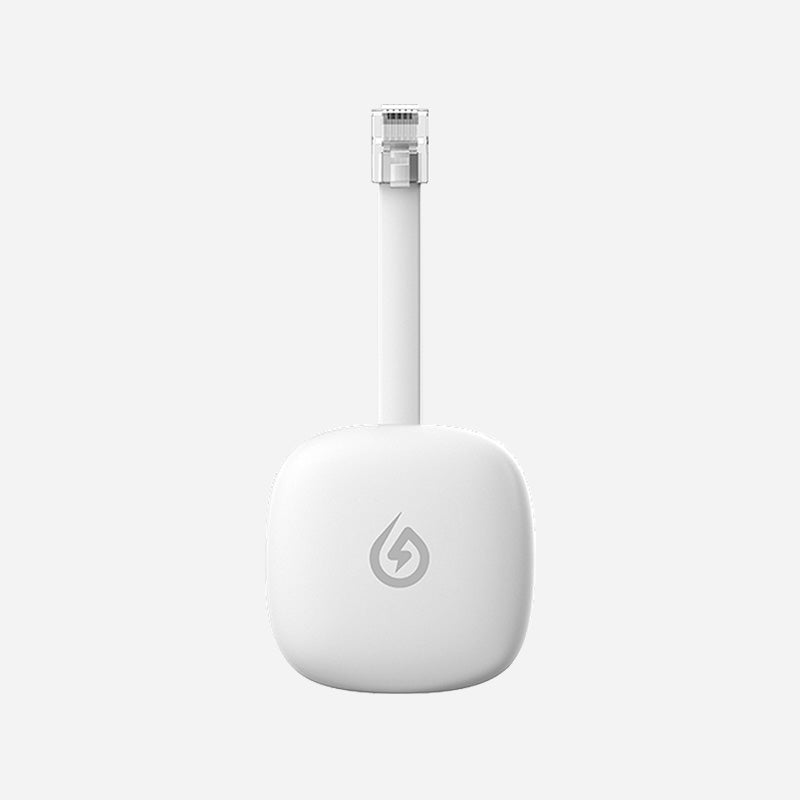
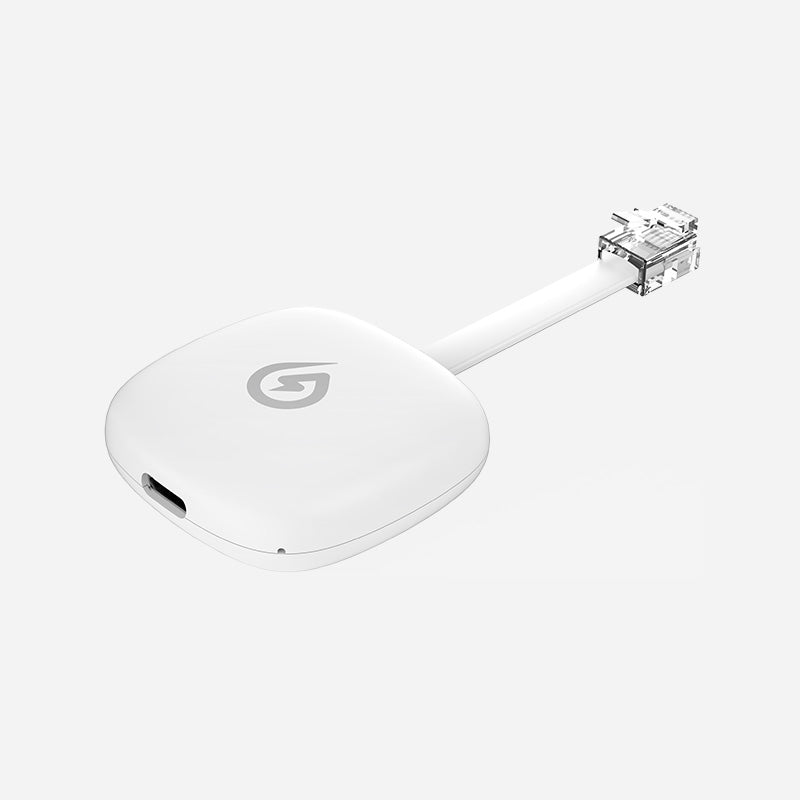
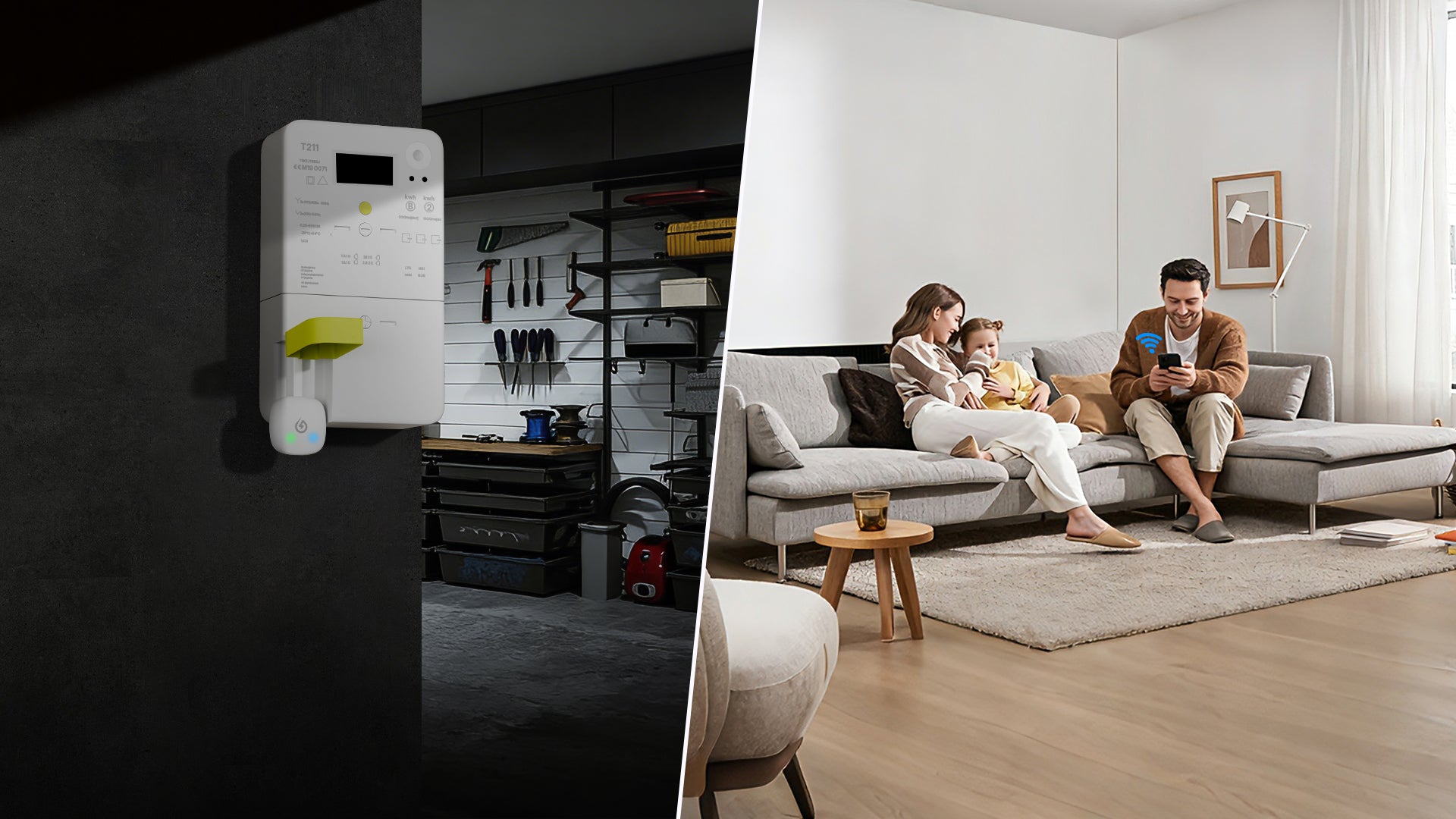
Monitor your energy in real time. Plug the P1 Meter Reader into your smart meter's RJ12 port — data flows instantly to your Wi-Fi dashboard with live power stats and trend charts.
Smart Meters collect real-time electricity, consumption data using built-in sensors and communication modules. Data is aggregated, consolidated, and exported through the P1 port in a standardized format, integrating with compatible readers.
Smart Meters can process incoming data from energy storage systems, solar panels, and inverters. This capability enables them to track both energy drawn from the grid and generated or exported back.
p1 Smart Meters, featuring the standardized P1 port, are primarily adopted in European countries where the DSMR (Dutch Smart Meter Requirements) standard is prevalent. Their adoption varies depending on national policies, utility company initiatives, and consumer demand. Below is an overview of the key countries utilizing P1 Smart Meters and their adoption rates:
The Netherlands has emerged as a leader in adopting P1 Smart Meters, with nearly all households equipped with DSMR-compliant meters as of 2023. Major utility providers like Liander and Stedin, in collaboration with manufacturers such as Landis+Gyr and Iskraemeco, have ensured nearly universal access to real-time energy monitoring.
The adoption of P1 Smart Meters has grown steadily in Belgium, especially in the Flemish region. Fluvius, the leading utility operator, has replaced traditional meters with DSMR-compliant models from manufacturers like Sagemcom and Landis+Gyr. By 2024, 80% of households are expected to have access to these advanced meters.
Luxembourg has adopted the DSMR standard for its Smart Meters, which include the P1 port, though its adoption rate is slightly lower than its neighbors. Creos, the primary network operator, has led the deployment of P1-compatible meters, focusing on enhancing smart grid capabilities.
In countries like Germany, Sweden, and Denmark, P1-like capabilities are emerging, with utilities testing or deploying meters that allow real-time energy monitoring. Nordic countries like Sweden and Denmark have seen higher adoption rates due to regulatory mandates, while Finland has progressively adopted meters supported by forward-thinking energy-saving policies.
https://www.solarmanpv.com/is-my-smart-meter-compatible/
IMPORTANT:Encrypted electricity meters are not supported.
The P1 Meter Reader plugs into the P1 port of your smart meter and displays the electricity and gas consumption of your home. Compatible with most modern meters in Europe — for DSMR 5.0 and above, no power adapter needed. Just plug in, connect to Wi-Fi, and you're ready to go.
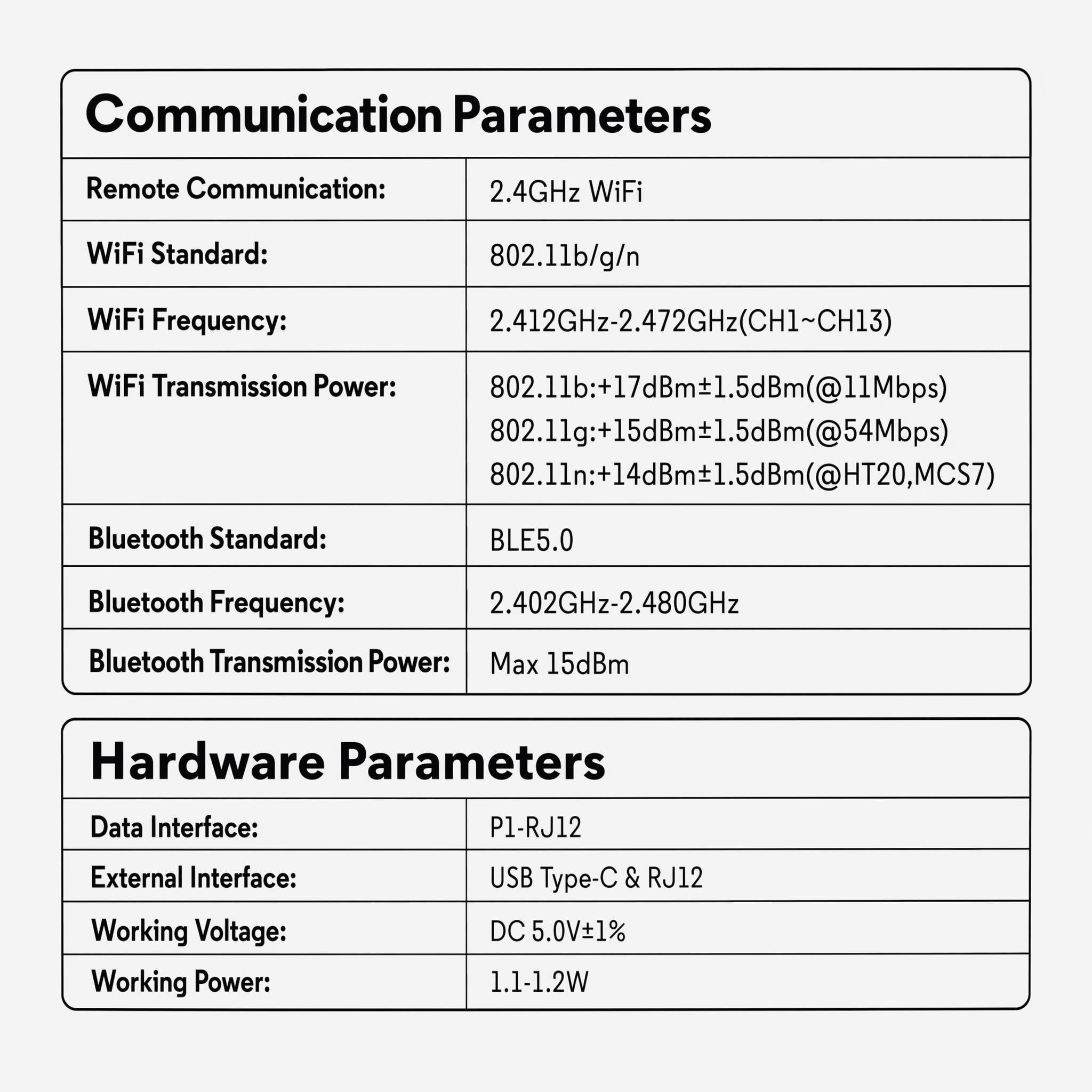
Universal COM protocol for broad compatibility. Type-C interface addresses the power supply issue for P1 Meter Reader below DSMR 5.0.
Standard Bluetooth network configuration. Compact design, no extra space required. Direct power from the P1 port — plug-and-play.

Accurate measurement of electrical energy data. Supports local API for efficient HEMS integration. Local linkage with micro storage devices.
Fully compliant with ETSI EN 303 645 standard for cybersecurity in consumer IoT devices.


Energy Ease is a comprehensive energy management app designed specifically for home users. With the app, you can conveniently track real-time household power generation, consumption, energy storage, as well as electricity purchase and sale. You can also easily control home energy devices through the app.
Accurately monitor the real-time power of individual appliances, helping you identify "energy vampires" at home and realize true energy-saving management.
Overall rating: 4.2 / 5 from 41 reviews.
It did not Connect

Très bon
Diese Nachricht habe ich am 18.09. an die Solarmann Mailadresse geschickt, leider habe ich bis heute keine Antwort erhalten Sehr geehrte Damen und Herren, ich betreibe ein Balkonkraftwerk, die Leistungsübersicht habe ich bis vor kurzem noch mit der Solarman App durchgeführt. Leider hat mein Logger einen Defekt und ich kann damit nicht mehr online gehen. Aus diesem Grund habe ich mir die Solarman intelligente Steckdose zugelegt. Leider tuen sich dabei zwei Probleme auf und ich bitte um Ihre Mithilfe. Ich habe mittlerweile gelernt, dass ich viele Einstellungen nicht in der App vornehmen kann, sondern nur im Web-Browser. Problem eins, die intelligente Steckdose zeigt unter dem Bereich „Last“ einen Watt-Wert mit einem minus davor. Das ist ja so nicht Korrekt, da die Solaranlage ja ins Netz lädt und somit dort ein Plus Wert stehen muss. Zum zweiten wird all das in der App im Bereich Bericht nicht angezeigt. Bitte senden Sie mir eine detaillierte Schilderung, was und woich bei den Einstellungen ändern muss, Beziehungsweise welche Haken ich wo setzen muss Vielen Dank für Ihre Mithilfe Mit freundlichen Grüßen, Holger Hunkel
"Unsatisfactory experience and poor support" I am writing this review after receiving multiple reminders to rate this device. Unfortunately, the infrared meter cannot measure grid feed-in at all. Whenever there is power being fed back into the grid, it incorrectly displays a fixed consumption/load of 4.29 GigaWatts. To make matters worse, I have reached out to customer support regarding this issue, but I have not received any response so far. Very disappointing.
Au top
ok funziona alla perfezione
werkt heel goed!
Arbeitet nicht bei verschlüsselten zählern bze code kann ich nirgend eingeben
Ras
Do thé job perfectly
Great service, everything's fine!
Like it, really nice company, the after sales service is really reactive and attentive to our needs. I recommend them. Use the app all the time
It is small enough to fit in the cabinet and easy to connect to wi-fi. It produces pretty graphs in the solarman smart app. But it is not polled at the same time as the Deye microinverters that I have, and polled too infrequently. So the data is meaningless, because loads vary all the time and generation also varies as clouds pass over. You can ask for it to be polled more often, but only continuous real time data is going to give accurate data.... otherwise you will always see crazy calculated data. The daily totals for feed-in and consumption are calculated from the microinverter and meter data, but even those daily totals are not the same as reported by the house energy meter. That I do not understand at all. I had bought it to help understand how I could use a battery. It has helped with that.... I see that I would be charging and discharging maybe 20 times a day so a battery cannot pay for itself before it dies....... unless I have only a small one that discharges only at night.
The device works well. But I have a problem with its connection to the device that goes up the data. I have an MR1-D5-WR that works very well with the same device. So probably a configuration that is poorly done. But I can't find the solution.
very good
impeccable
Anfangs Super! Mittlerweile immer wieder falsche Werte und Alarmierungen von z.B. zu hohen Verbrauch. Die Alarmierungen kommen fast jede Minute. Da man bei den alarmieren nichts einstellen kann, habe ich die App stummgeschaltet.
Habe Smart Meter erhalten und seitdem mehrmals versucht diesen in Betrieb zu nehmen! Leider ohne Erfolg. Mehrfach mit Solarman geschrieben und alles funktioniert einfach nicht. Daher will ich jetzt das Teil zurückschicken und einfach nur mein Geld zurück bekommen. Mit freundlichen Grüßen Torsten Gerritzen
Does what it needs to do. Simple and accurate.
Excellent utilisation très bonne efficacité remarquable
Nimmt Werte gut auf. Nach Anlaufschwierigkeiten habe ich mich an den Support gewendet der nach kurzer Zeit und einem Softwareupdate schnell geholfen hat.
super facile a installer
Dokładnie to czego potrzeba do analizy zużycia i progdukcji prądu. doskonala dzaiała z deye.
Good
delivery was good and quick
RAS
Fonctionne parfaitement
👍
It works!
It is a nice product but unfortunately it can't communicate with my Deye microinverter for zeto export
Hello, I think the IR Reader is super good. It works great now, the support takes care of e.g. wrong programming very quickly, which was short at the beginning.
😉
ottimo
Super product, easy to install.
sometimes it doesn‘t show data in the app
👍
Con il Meter ho risolto il mio problema, riesco a leggere i consumi a 20 metri tra l'inverter ed il contatore elettrico.
Everything is fine.
Arrived on time and works well.
Funktioniert nicht wie beschrieben. Support motiviert aber auf meine bitte nach Stornierung der Bestellung kommen immer wieder eitere Mails mit bitten zu Daten meines Smartmeters
Download Now!


P1 Meter Reader is suitable for various household and personal energy
consumption scenarios, such as:
Real-time data that the meter is allowed to be read, such as real-time power,cumulative energy consumption (kWh), voltage, and current.
TOU pricing, total daily consumption, or hourly/daily/monthly curves. But these data can be generated by the app through real-time values and cumulative readings.
There are two ways to determine:
Method 1: Check if the meter has a "P1/RJ12" interface.
Method 2: Check the table below: https://www.solarmanpv.com/is-my-smart/meter-compatible/
This order applies only to devices that require an external power supply.